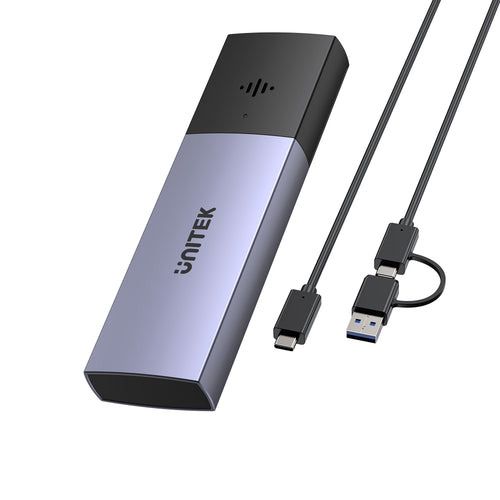
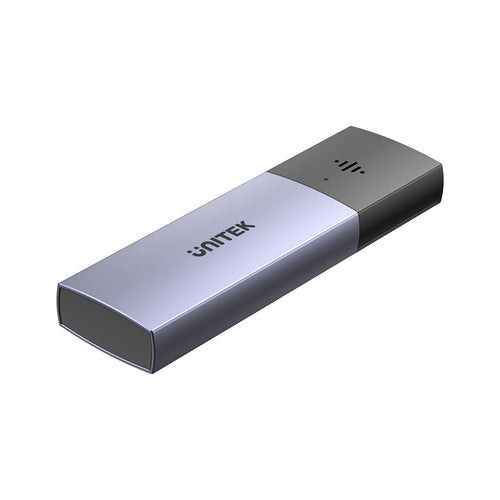
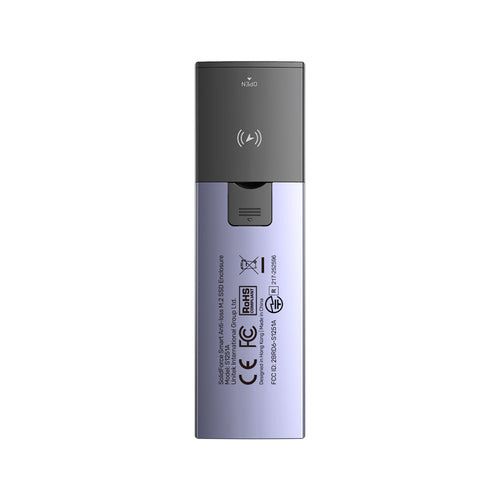
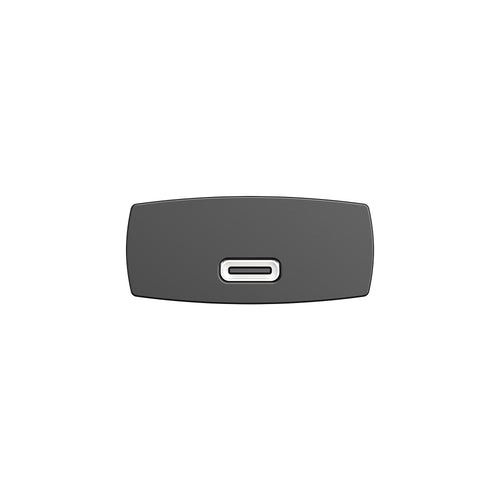
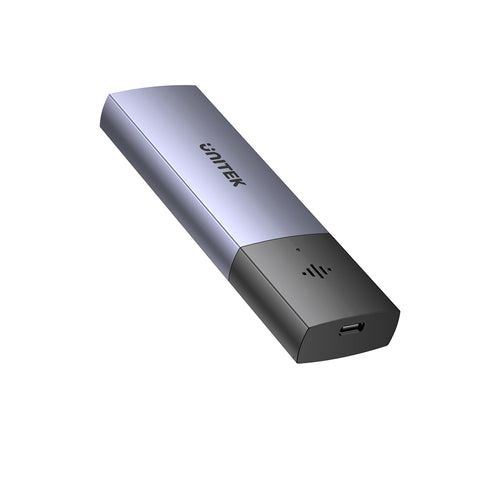
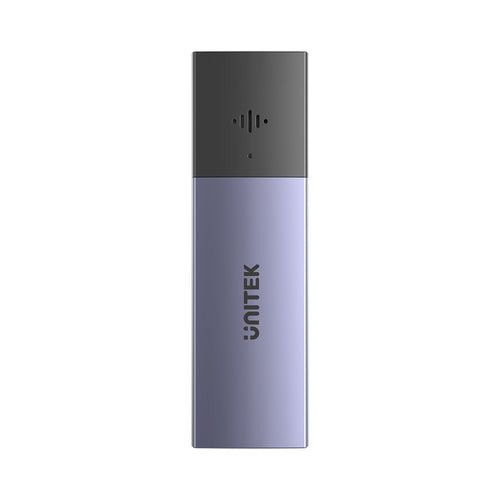
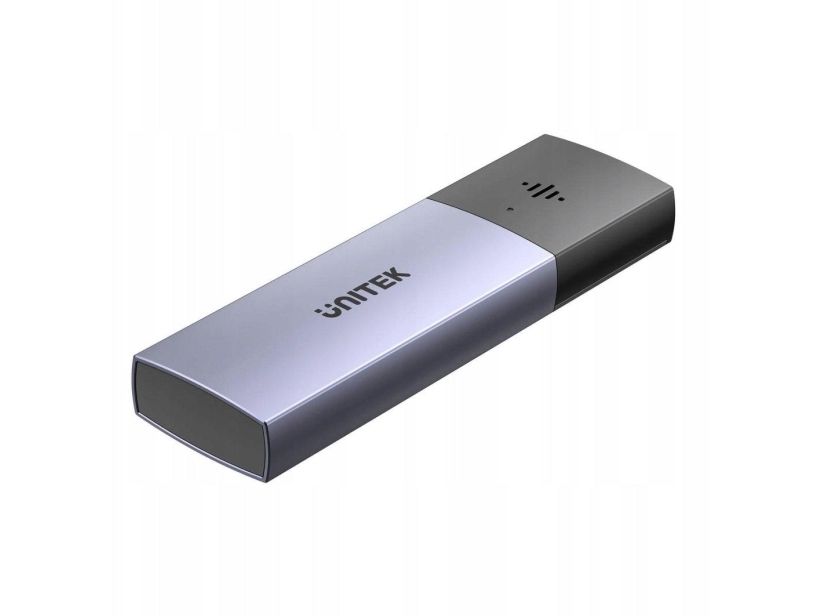
Unitek PCIe M.2 SSD-kotelo, jossa on paikannustoiminto
FBAC4895-B52C-4E03-B099-A6A8F8B8017B Created with sketchtool. 706D6907-81E1-46A2-B8F9-7B702A1EF2C7 Created with sketchtool. 6A870209-E7F5-44F5-A66F-09E20C85A0DC Created with sketchtool. 0BB04D6C-A9AB-4913-BF4F-5A23954E68E1 Created with sketchtool. 501E26C7-66C1-4DAA-B740-6CFAF55A1B39 Created with sketchtool. C105F7D3-D5EE-43C9-9EE8-05CC42B296D4 Created with sketchtool. D94689D8-7CBB-41C8-AC06-F79D81FF82D5 Created with sketchtool. DA4C7ED9-2512-4D52-94F0-92800F2A6E04 Created with sketchtool. 42E133FD-828F-4CF4-A0BF-560014487A57 Created with sketchtool. F52D9745-4BFD-4506-BEEF-630FD09EF2D9 Created with sketchtool.
Etävarastossa
Tuotetta on etävarastossamme, toimitusaika noin 7-9 työpäivää. Lisätietoja
Toimitusvaihtoehdot - Valitse vaihtoehto napsauttamalla
Budbee Laatikko - Nouda valitsemastasi laatikosta!
7,02
Bring - Toimitus huoltopisteeseen
7,02
Bring - Kotiinkuljetus -arkisin.
15,12
Toimituskulut on laskettu vastaanottajan postinumeron perusteella:00180 - Helsinki Vaihda postinumero
Syötä postinumero toimitusta varten: Tallenna
EUR 55,60
ilman ALV 44,30
Kokonaishinta sis. toimitus 62,62
Overview

The UNITEK SolidForce Smart Anti-Loss M.2 SSD Enclosure (S1251A) combines blazing 10Gbps transfer speeds with intelligent anti-loss protection via Apple’s Find My network. Receive instant separation alerts, sound the buzzer, and view last-known location if misplaced. Supports NVMe SSDs up to 2280, flexible USB-C/A connection, and universal OS compatibility – perfect for professionals and travelers who can’t afford to lose valuable data.

Find My Network

Seamlessly track your SSD enclosure using Apple’s official Find My app for a premium user experience. This feature prevents accidental loss when the SSD enclosure is left behind after use in different locations. Locate your SSD enclosure quickly with the built-in sound alarm. Stay Connected, Stay Secure – Your Data Deserves the Best Protection!

Smart Anti-Loss Protection

Equipped with Bluetooth 5.1 (BLE) 2.4GHz technology supporting RSSI/AoA/AoD multi-mode positioning. Features includes instant pop-up separation alerts, last-known location recording in the app with navigation guidance, and an audible buzzer alarm for easy retrieval. Powered by a CR2032 battery cell with one year long last life, eliminating frequent battery replacements.

10 Gbps High-Speed Transmission

UNITEK SolidForce 10 Gbps Anti-Loss M.2 SSD Enclosure supports upstream transfer speeds of up to 10 Gbps and is compatible with 5 Gbps USB 2.0 transfer speeds. Additionally, it supports SSD TRIM and UASP acceleration, optimizing read/write speeds for ultra-fast data transfers. It fully utilizes PCIe 3.0 and NVMe SSD performance.

Flexible Port Connection

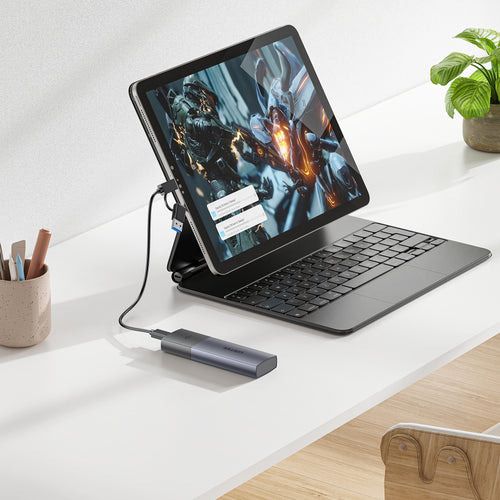
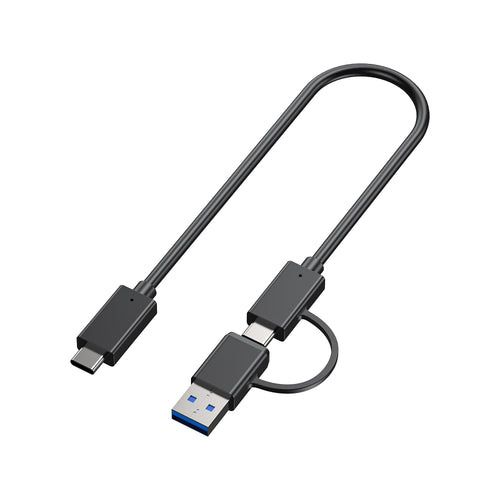
Including a 30cm 10Gbps USB-C to USB-C cable with USB-A adaptor It offers unparalleled flexibility and great convenience for end user to choose either USB-C or USB-A port to connect their personal devices for easy data transfer.

Universal OS Compatibility

Supports seamless connectivity and data transfer across Windows, macOS, Linux, Android, and iPadOS without the need for additional drivers.

Tailored Solutions for Every Professional & Creator

From government agencies and IT professionals needing secure, reliable connectivity, to photographers, videographers, and content creators requiring fast data transfer and stable workflows – our products empower productivity.

How to Install Battery

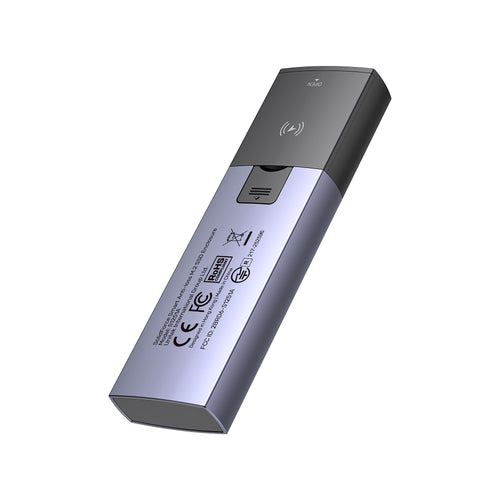
1. Open the battery compartment. 2. Place the battery inside with the positive pole (+) facing upwards. 3. Press the function button to activate Anti-Loss mode, then close the battery cover. Simple setup ensures your data stays protected and trackable!

Pair Product with Find My App

Follow these simple steps to connect your SolidForce enclosure to the Find My app and enable tracking: 1. Enable Bluetooth & Location Services, then open the Find My app. 2. Go to the "Items" tab. 3. Tap the + icon and select "Other Supported Item". 4. Find and select "S1251" from the list, then tap "Connect". 5. Name your item and choose an emoji icon, then tap "Continue". 6. Agree to connect to your Apple ID and tap "Finish" to complete setup.

M.2 SSD Installation

Follow these four easy steps to install your M.2 SSD into the enclosure: 1. Place the silicone thermal pad between the SSD and the aluminium heat exchanger. 2. Press the unlock button to remove the protective case. 3. Insert the M.2 SSD, secure it firmly, and reinstall the protective case. 4. Connect the product via the cable to start using it. Quick, tool-free setup ensures optimal heat dissipation and reliable performance!