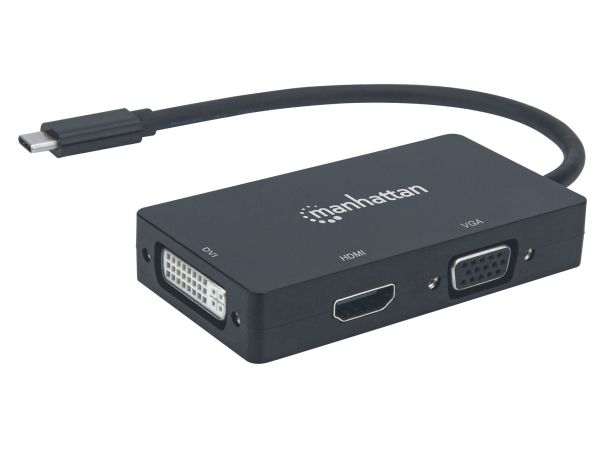
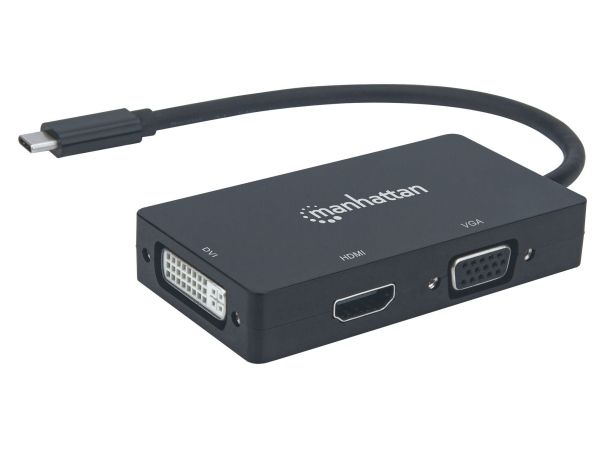
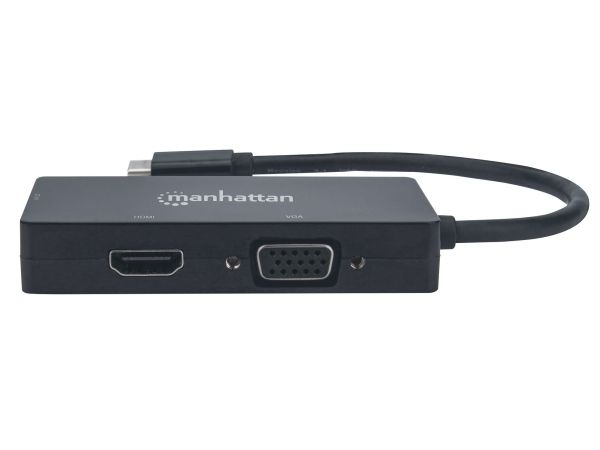
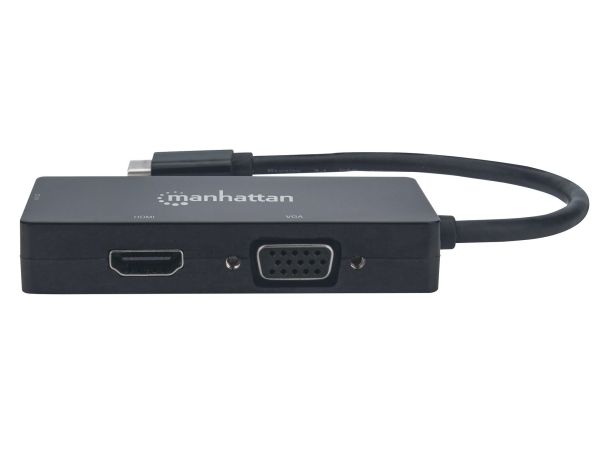
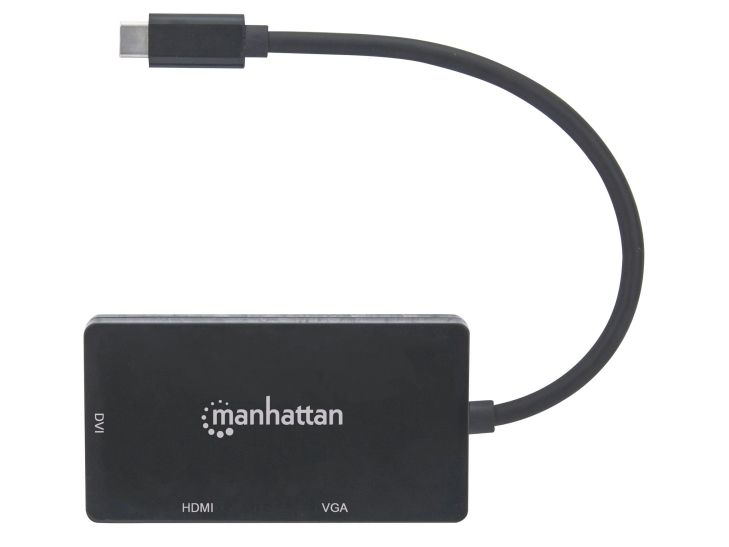
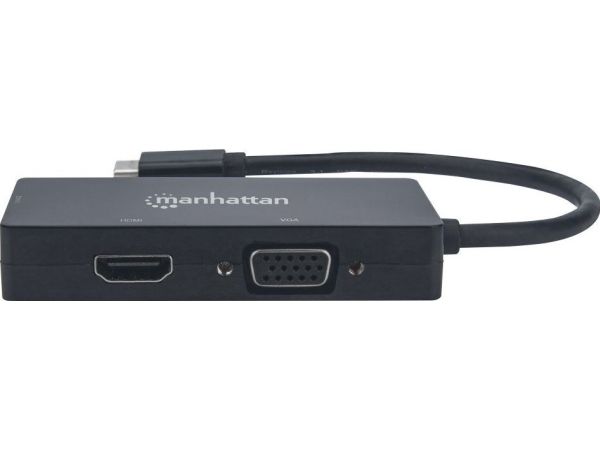
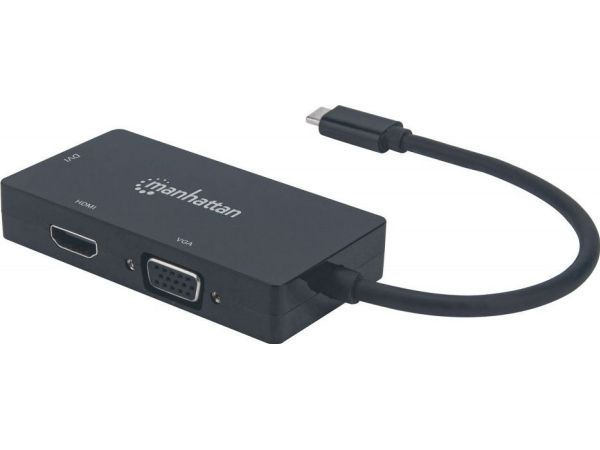
Manhattan 152983, 3840 x 2160 pikseliä
FBAC4895-B52C-4E03-B099-A6A8F8B8017B Created with sketchtool. 706D6907-81E1-46A2-B8F9-7B702A1EF2C7 Created with sketchtool. 6A870209-E7F5-44F5-A66F-09E20C85A0DC Created with sketchtool. 0BB04D6C-A9AB-4913-BF4F-5A23954E68E1 Created with sketchtool. 501E26C7-66C1-4DAA-B740-6CFAF55A1B39 Created with sketchtool. C105F7D3-D5EE-43C9-9EE8-05CC42B296D4 Created with sketchtool. D94689D8-7CBB-41C8-AC06-F79D81FF82D5 Created with sketchtool. DA4C7ED9-2512-4D52-94F0-92800F2A6E04 Created with sketchtool. 42E133FD-828F-4CF4-A0BF-560014487A57 Created with sketchtool. F52D9745-4BFD-4506-BEEF-630FD09EF2D9 Created with sketchtool.
Ikke på lager
Tuotetta ei ole varastossa. Lisätietoja

Loppuunmyyty

Tuotetta ei ole varastossa.

Toimitusvaihtoehdot  - Valitaan kassalla
Budbee Laatikko - Nouda valitsemastasi laatikosta!
Ilmainen toimitus
Bring - Toimitus huoltopisteeseen
7,02
Bring - Kotiinkuljetus -arkisin.
15,12
Toimituskulut on laskettu vastaanottajan postinumeron perusteella:00180 - Helsinki Vaihda postinumero
Syötä postinumero toimitusta varten: Tallenna
EUR 69,83
ilman ALV 55,64
Kokonaishinta sis. toimitus 69,83
Ilmoita minulle, kun tuotetta on jälleen tarjolla varastossa
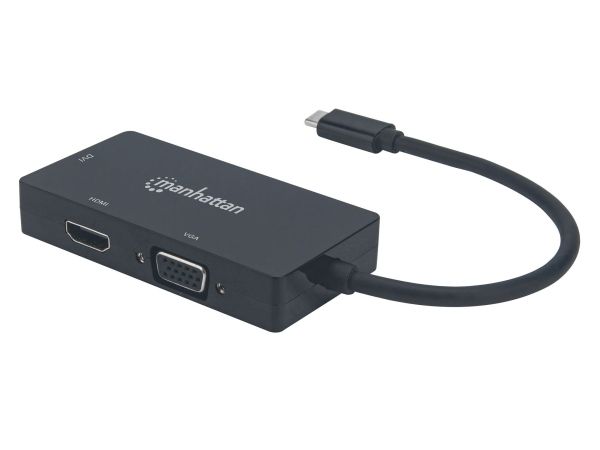
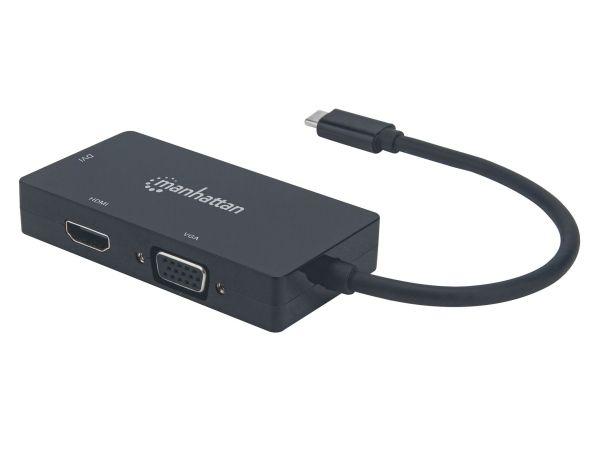
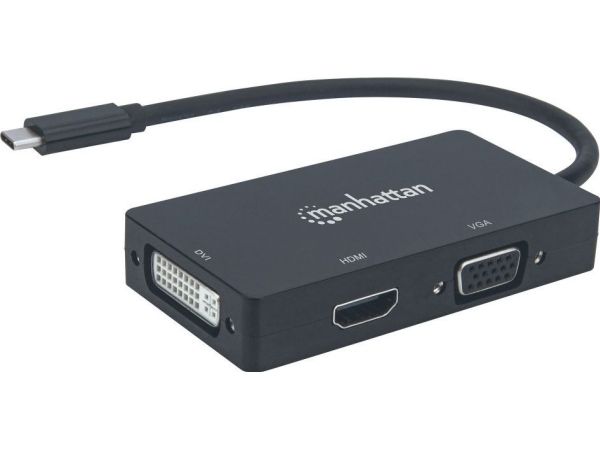
Easily connect a USB Type-C source to a DVI, HDMI or VGA display.

The Manhattan USB-C 3-in-1 Multiport A/V Converter gives you a fast, easy and convenient way to enjoy media from your newer USB-C-equipped computer, tablet, or smartphone on an existing DVI, HDMI or VGA display, monitor or projector. The Converter takes media from a USB-C source and turns it into HDMI audio/video (up to 4K@30Hz resolution [Ultra-High-Definition, UHD]), or DVI or VGA video (up to 1080p [HD]) so you can watch it on the display you're connected to at its supported resolution. The Converter keeps you well covered in connecting to most screens you'll come across since most screens offer DVI, HDMI or VGA connections.

Quality Construction and Easy Installation

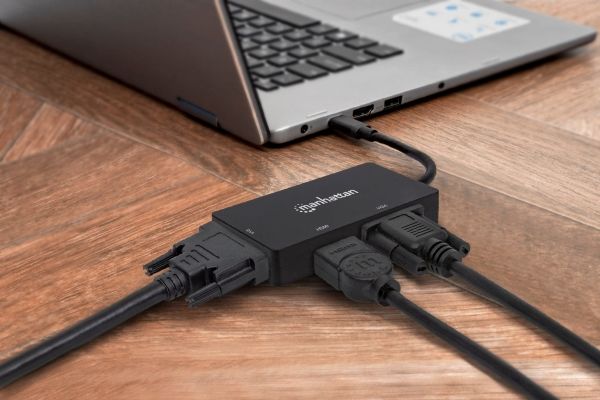
The Converter offers full compliance with USB-C, DVI and HDCP standards so you get years of great service and reliable performance. And setup is easy. Simply connect your display's DVI, HDMI or VGA cable (not included) to the right spot on the converter and plug the converter into your USB-C device. That's all there is to this affordable, variable-display solution - no software/hardware configuration or complicated settings required. The Converter helps you get the most use out of your DVI, HDMI or VGA display(s) so you don't have to buy a new screen to enjoy media from your USB-C device.